A flip clock on every new tab
See a large clock, the date, and your selected timezone whenever you open a new tab.
Browser extension
Replace the New Tab page in Chrome or Firefox with a clear, customizable flip clock. The clock works without an account. Music is optional, and you can turn browser sync off.
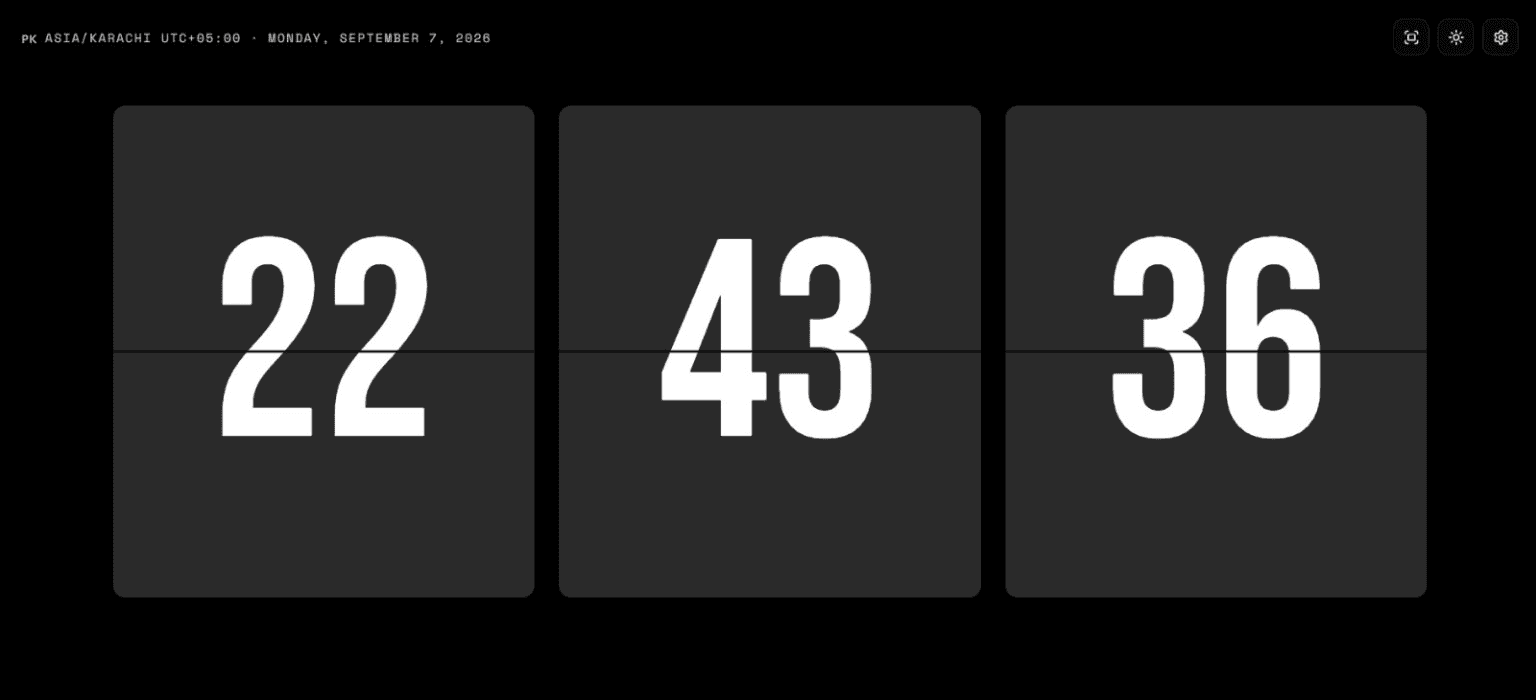
See a large clock, the date, and your selected timezone whenever you open a new tab.
Choose 12- or 24-hour time, show or hide seconds, select a timezone, and adjust the theme.
Search YouTube, paste a YouTube link, or add a radio stream when you want music alongside the clock.
Your settings and saved music lists follow you to other computers signed in to this browser.
Your settings and saved lists stay in your browser. Music is optional. The extension has no sign-in, usage analytics, or tracking.
Read the privacy policyYes. The core Digital Clock Online extension is free to use.
Chrome, and Firefox 140 or later on computers. Firefox for Android does not let extensions replace the New Tab page.
Yes. Installing it replaces your browser's New Tab page with the Digital Clock Online flip clock.
No. The extension has no sign-in. The clock, music, and settings all work without an account.
Your settings and lists stay in your browser. With browser sync on, a copy goes to your browser's sync storage. The extension has no usage analytics or tracking.
Yes. Music is optional, so you can leave it unused. You can turn off "Sync with your browser" in the extension's settings.
In Chrome, open the Extensions page (chrome://extensions), find Digital Clock Online, and choose Remove. In Firefox, open Add-ons and themes (about:addons), find Digital Clock Online, and choose Remove from its menu.
Keep the time visible without turning your New Tab page into a crowded dashboard.